The 10-by-50 workflow
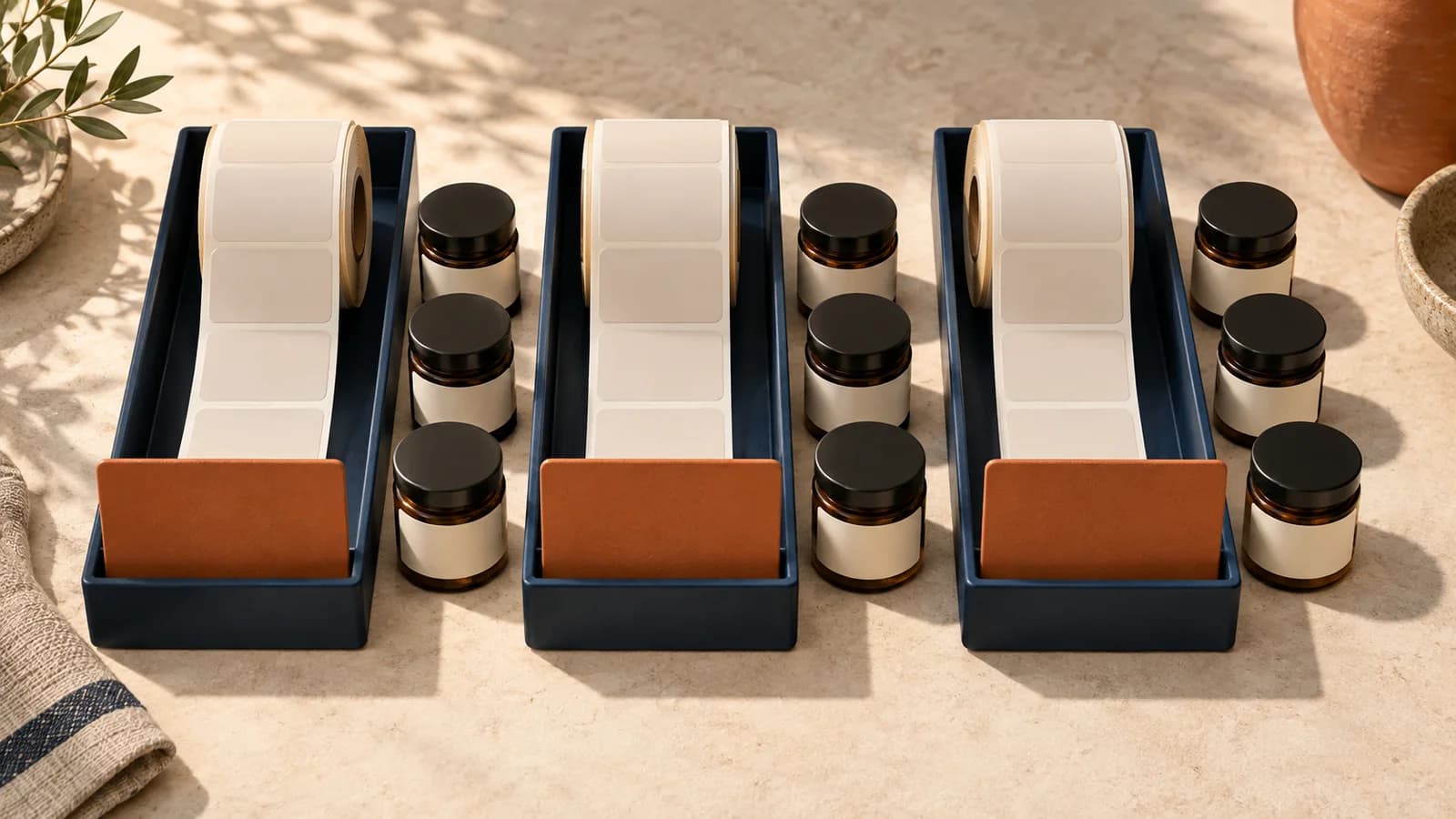
Ten lots with fifty product labels each produce 500 labels and ten internal separators. Each separator comes before its lot. Sheet mode starts the next lot on a fresh sheet rather than mixing remaining positions.
 waputuGet started
Available now · Lot-organized product labels
Save reviewed product facts, choose compatible stock, control each lot QR and generate an immutable PDF with unmistakable lot separators.

Ten lots with fifty product labels each produce 500 labels and ten internal separators. Each separator comes before its lot. Sheet mode starts the next lot on a fresh sheet rather than mixing remaining positions.
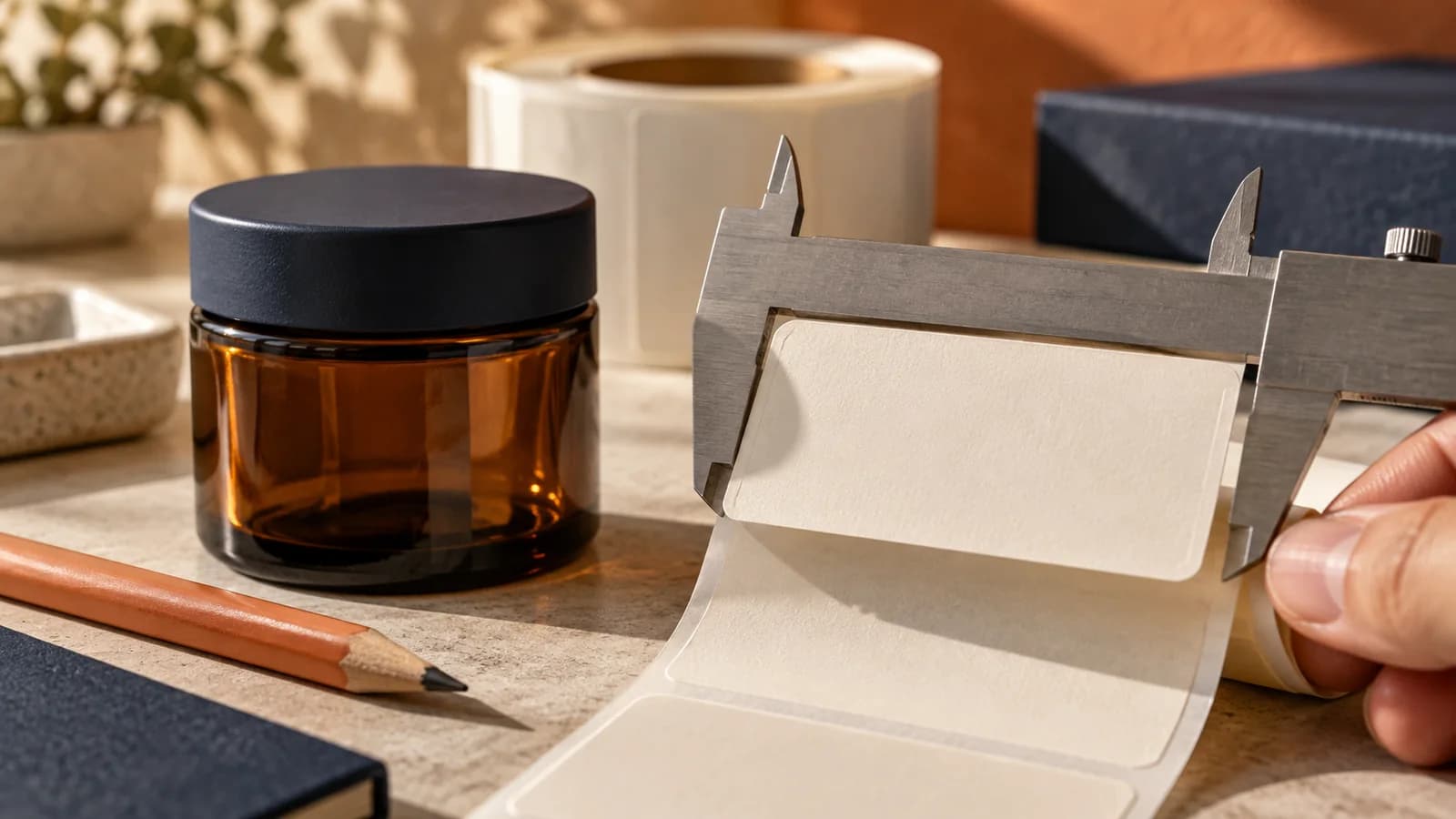
Exact-size PDF output works through ordinary printer drivers. Configure roll or sheet dimensions, margins and gaps. The device must support the actual stock, printable area and required color.
Manufacturer, license, dates, net contents, laboratory-supported potency and other applicable information are reviewed per lot. The engine blocks missing or incompatible inputs rather than silently inventing them.
Use per-lot URLs and measured placement. Printed information mode permits a supplemental destination. A required static information-panel destination needs direct, complete content and a separate human review.
Saved jobs preserve the released facts, layout and rule version. Downloads are recorded. Updating a current profile does not rewrite an old job or establish that a physical printer succeeded.
Step 1
Step 2
Step 3
Step 4
Location-based packages with explicit feature availability.
View package proposal →