

Where NMS2S fits
The Cannabis Control Division identifies NMS2S as New Mexico’s seed-to-sale tracking system and provides transition notices, role-specific manuals and support resources on its official website. Those state materials should be the starting point for questions about the state platform itself. Waputu is a separate operational workspace; using it does not replace your state account or the responsibilities attached to your license.
The practical distinction is between the regulated record and the work around it. A team may need to look up an identifier, prepare several child lots, complete product facts, select label stock and hand an ordered print job to another operator. Keeping those tasks connected helps the team follow one lot through several decisions without treating every local edit as a change to the state.
Connect an authorized account, then check the result
Begin with an organization account that is authorized for the facilities you need. In Waputu, an owner or administrator completes protected setup and connects NMS2S from the workspace. Treat the connection token as an account credential: enter it in the connection form, keep it out of screenshots and support messages, and avoid copying it into shared notes. The in-app connection guide explains the current connector procedure.
A successful connection and a completed inventory read are different results. After setup, check the facility list and the timestamps associated with the records you intend to use. If expected inventory is absent, first confirm the selected facility and the last successful read. Do not infer that a product has disappeared from the state merely because a local screen has not refreshed.
Review sublots before the state changes
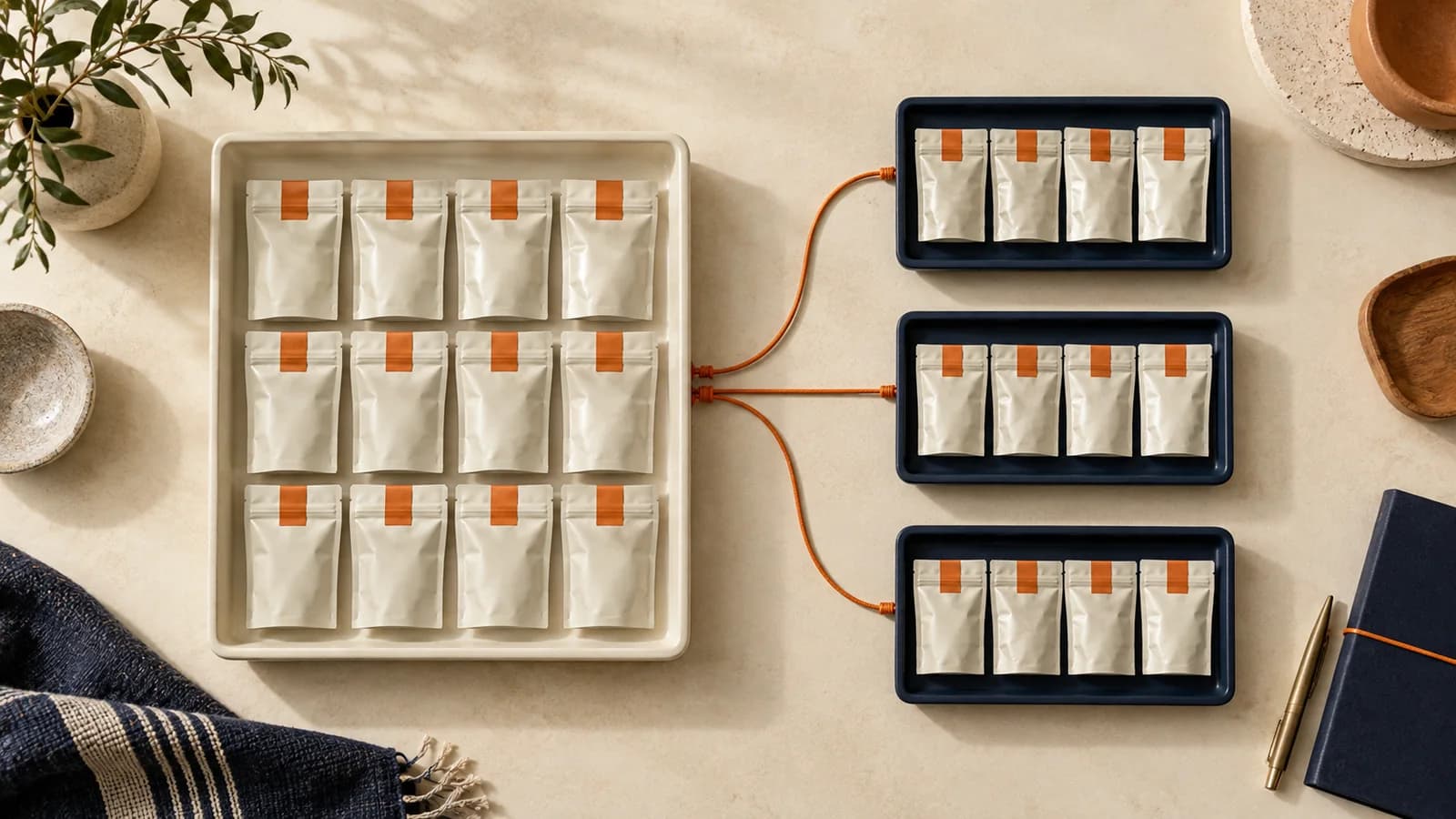
Sublot creation is Waputu’s only NMS2S business write. The application reads supported records for context; product facts, label layouts and print history are managed in the workspace. That boundary makes an important question straightforward: is this action preparing work locally, or is it about to create a child lot in the state system?
For a split, start from the parent identifier and its current quantity. Review the unit of measure, the quantity allocated to each child, the number of children and the expected remainder. For example, a 600-unit parent split into ten 50-unit children should leave 100 units. The review must be about the actual parent and intended units, rather than a calculation remembered from another batch. Waputu checks fresh state information as part of the workflow and retains the returned child identifiers.
Keep an uncertain outcome from becoming a duplicate
Network interruptions are especially important when a request can change inventory. A missing response does not establish whether the state accepted the request. Waputu records a durable child intent before submission and stops the job when the result is uncertain. It does not treat a timeout as permission to send the same split again.
The recovery step is to inspect the existing job and reconcile the candidate child against fresh state evidence. The workflow checks lineage, quantity and parent remainder before accepting the result. Confirmed children remain visible while unresolved work waits. This gives the next operator a record of what is known, instead of leaving them to reconstruct the attempt from a browser tab. Cancelling local work does not reverse children that were already created.
Connect the child identifiers to the print job
After children are confirmed, move their identifiers into label preparation. Choose the lots, quantities, stock dimensions and lot-specific QR settings. Review the saved product facts before generating the PDF. A grouped job puts a separator ahead of each lot so the person handling the stack can distinguish one group from the next without relying on the order of loose notes.
The saved PDF is a record of that output. Reprinting it does not repeat the sublot operation. If a product fact or layout must change, create a new label job rather than silently changing what an earlier job represented. This separation is useful even for a small team: the operator who creates inventory may not be the person who loads the printer or checks the finished packaging.
Compare workflows with evidence
Inscribe’s published feature page describes automatic sublot creation, hosted information panels and printer-independent output, alongside a BioTrack integration. Those are vendor descriptions, not proof of a particular NMS2S integration or a statement about every current plan. Ask any provider to demonstrate your own sequence: connect the facility, review a parent, recover an interrupted split, produce a grouped job and reprint it without creating new inventory.
For Waputu, evaluate the implemented scope described here: authorized NMS2S reads, reviewed sublot creation, saved product profiles and grouped PDF jobs in a private workspace. Also test the boundaries that matter to your business, including team access and the printer you already use. A useful comparison is based on a reproducible task and a clear result, rather than assuming another system lacks a feature because it is not described on one page.
Source: Inscribe: published product features.