 waputu
Before you start
- Keep the original job open. Do not create a replacement job.
- An unknown result may already have changed NMS2S inventory.
Where to click
- 1Recent jobs→
- 2NMS2S investigation→
- 3Reconcile an unknown outcome→
- 4New child barcode→
- 5Verify and record child→
- 6Resume job
Step-by-step instructions
1Recent jobs
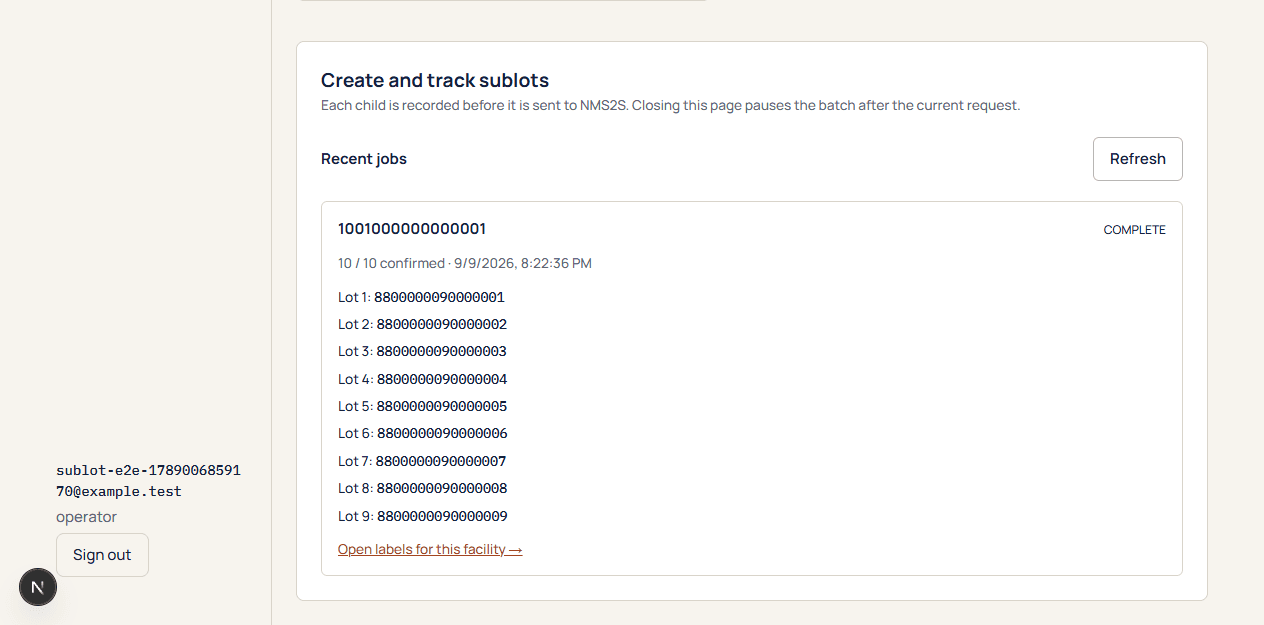
Find the original parent and stopped child. Read the recorded reason and confirmed count.
2NMS2S investigation
An authorized operator should identify any newly created child. Record its barcode, parent relationship, amount, room and the parent remainder.
3Reconcile an unknown outcome
After the minimum waiting period shown by the app, expand the reconciliation panel.
4New child barcode
Enter the candidate child identifier and a clear evidence note. Never paste a token or a whole API request.
5Verify and record child
Waputu checks that the child was not in the before-snapshot and compares lineage, quantity, room and remainder. This operation does not resend the split.
6Resume job
Continue only after the outcome is verified and the mirror is ready. If evidence is insufficient, keep the job stopped and escalate.
The state-confirmed child is linked to the original intent without another inventory mutation.
If something goes wrong
No new child can be proven
Do not assume the request failed. Keep the lock and investigate. There is no unsafe force-retry shortcut.
Candidate does not match
Recheck the exact barcode and facts. A similar child from a different operation is not acceptable evidence.
Still need help?
Send the workspace, facility, safe error and approximate time. Keep credentials and private activation links out of the message.
Contact supportSearch another guide